ViScreen
Streamlined Screen Recording for Windows with Audio Support.

6$
One-time purchase
Lifetime access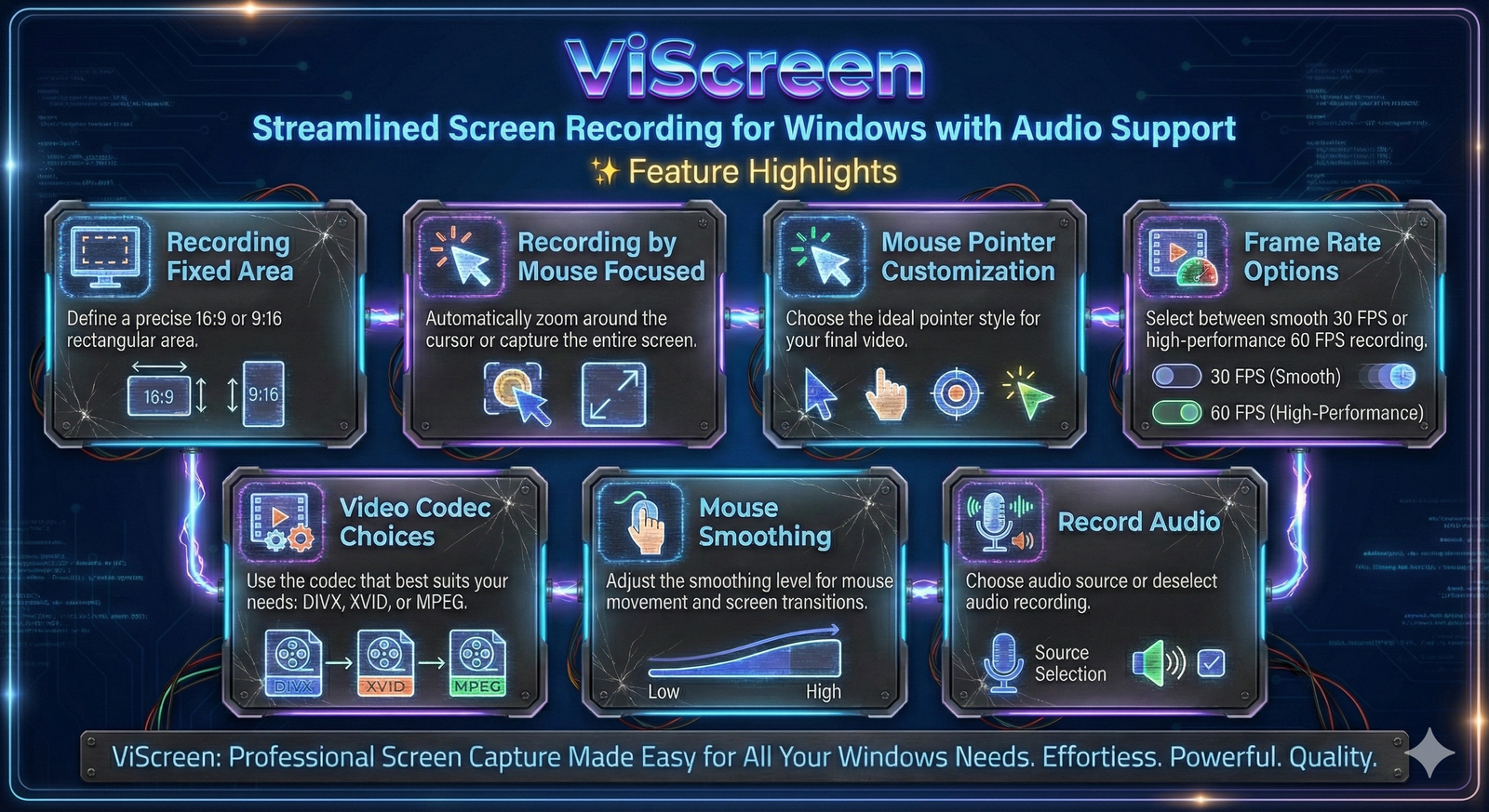
Streamlined Screen Recording for Windows with Audio Support.
One-time purchase
Lifetime access
ViScreen is a simple and user-friendly screen recording tool for Windows. Capture your desktop effortlessly with full audio, and customize every detail—from mouse visibility and frame rate to codec, smoothing, and capture area..
Fixed Frame: Define a precise 16:9 rectangular area.
Mouse Focused: Automatically zoom around the cursor or capture the entire screen.
Mouse Pointer Customization: Choose the ideal pointer style for your final video.
Frame Rate Options: Choose between smooth 30 FPS or high-performance 60 FPS recording.
Video Codec Choices: Use the codec that best suits your needs: DIVX, XVID, or MPEG.
Mouse Smoothing: Adjust the smoothing level for mouse movement and screen transitions.
Record Audio: Use the audio source or deselect audio recording.
User-Friendly Interface: Simplifies the process of screen recording efficiently.
Operating System: Compatible with Microsoft Windows 10 and 11.
Dependencies: net8.0.
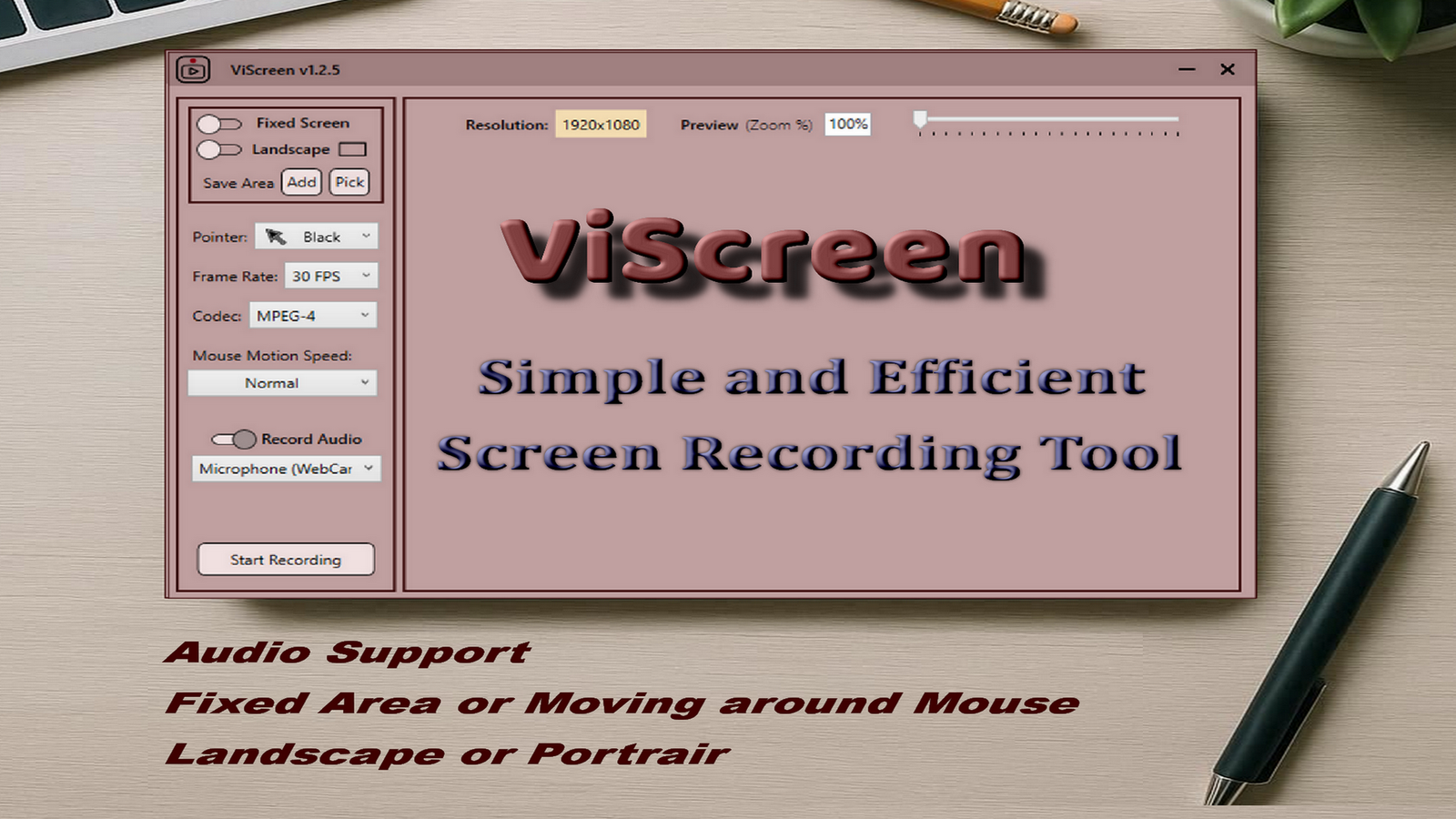
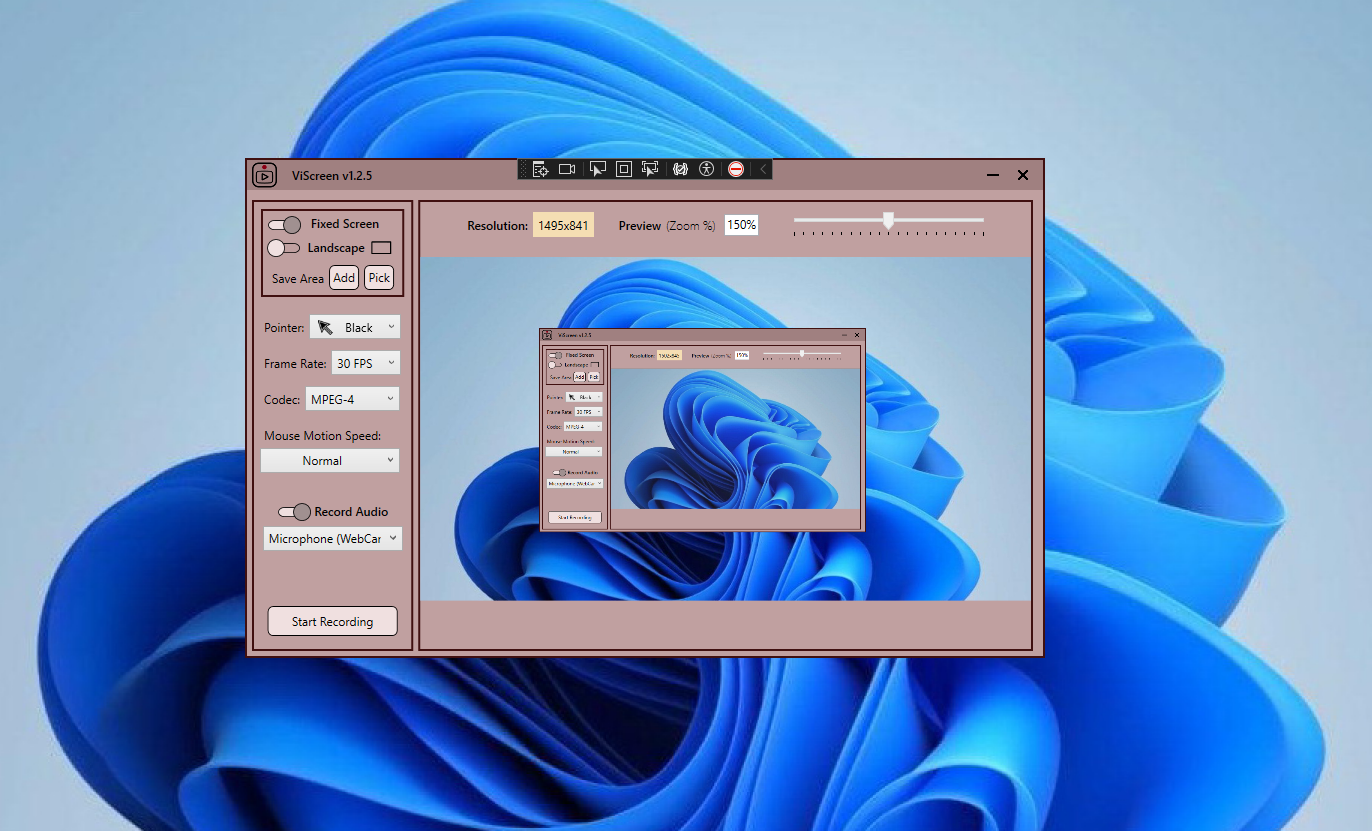
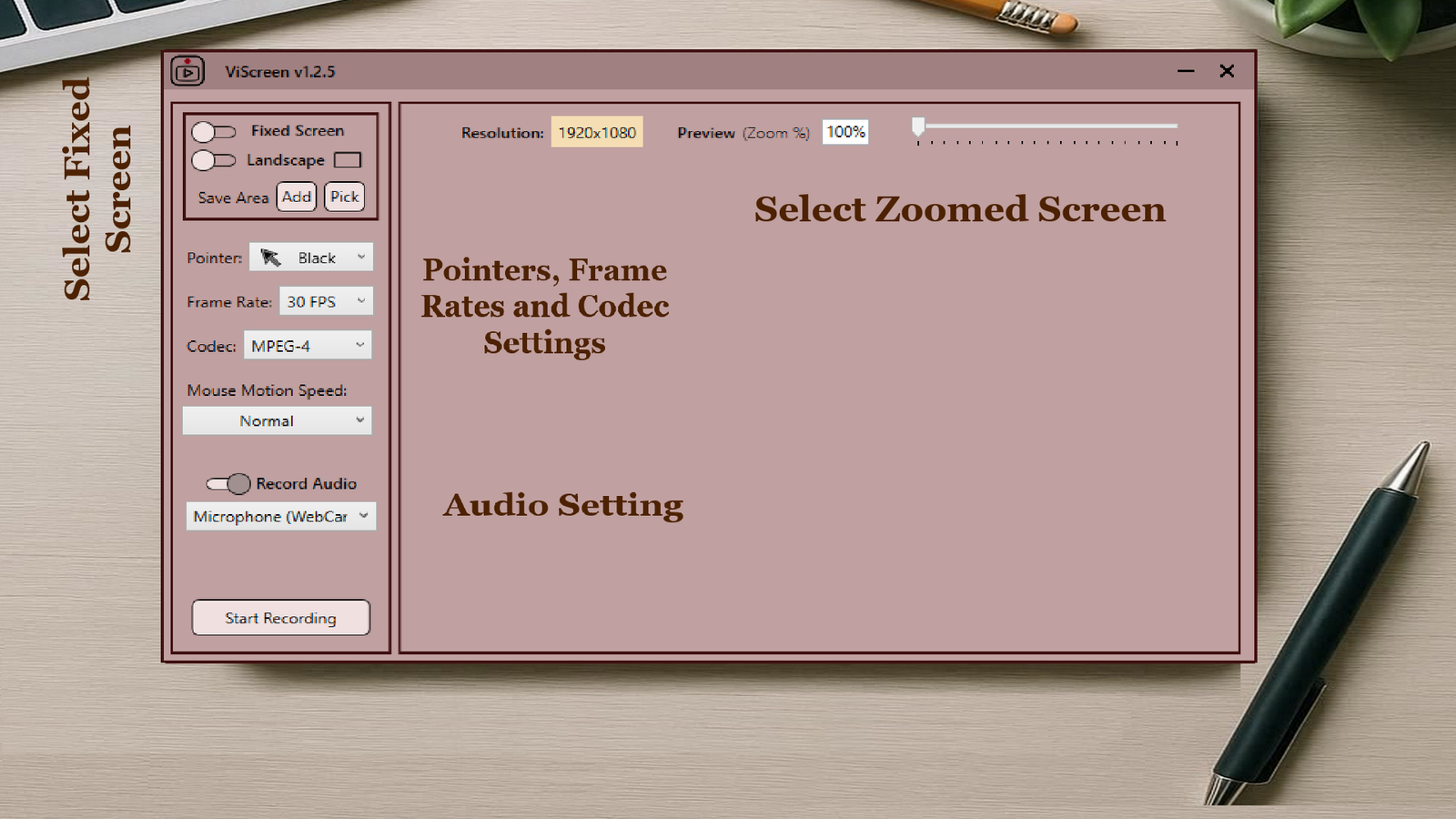
Capture your screen with precision and ease.
Record your screen with a floating mouse pointer.
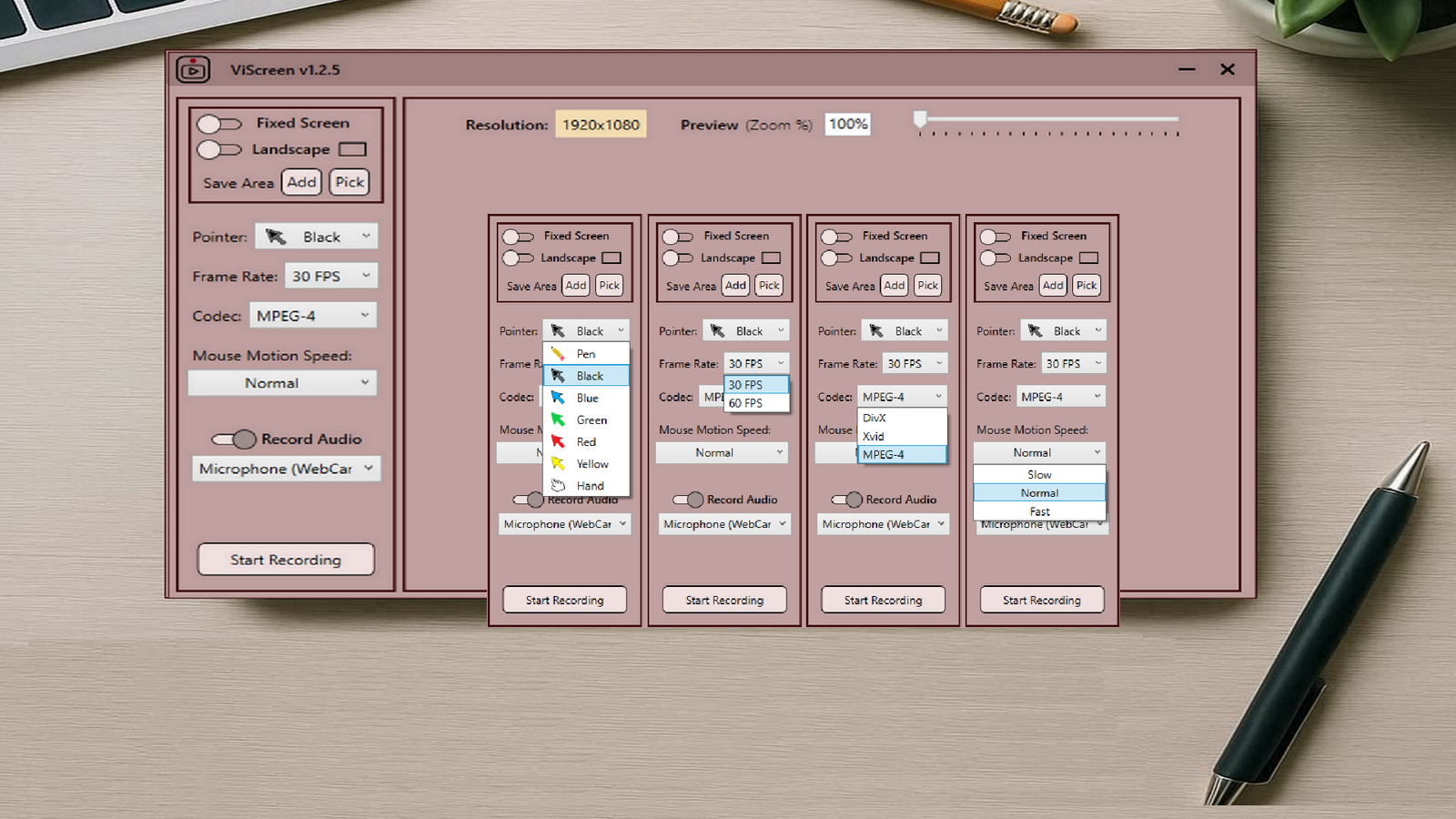
Choose from multiple mouse pointers.
Customize mouse movement smoothing levels.
Choose your desired frame rate for recording.
Select from various video codecs for optimal quality.
Record microphone or System Audio along with your screen.
Choose between landscape and portrait modes.
Easily save your selected recording area for future use.
Intuitive design for easy navigation and operation.
Join all users who trust ViScreen for their daily workflow.