
$20.00
One-time purchase
Lifetime access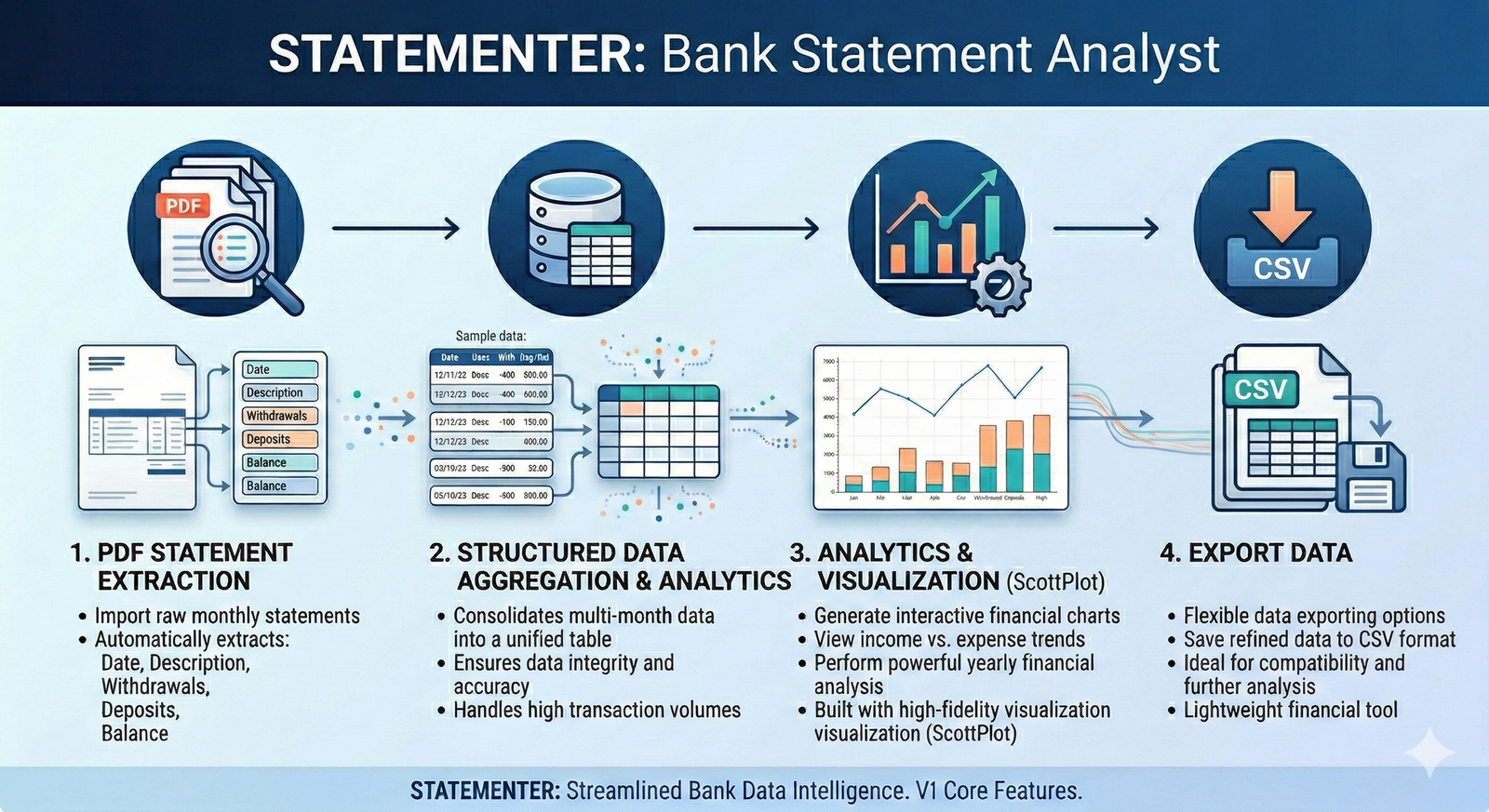
One-time purchase
Lifetime access
Statementer is a powerful and intuitive application built to read bank statement PDF files, automatically organize transactions by separate account names; organize, analyze and export into clean, structured CSV data for seamless reporting. This tool simplifies financial data extraction, helping you move from static documents to actionable insights in seconds.
Main Features
Open Bank Statement Files: Quickly load your Statement files.
Save by Account Numbers: Save all transactions organized by separate account numbers locally for easy access and management.
Fuzzy Search Statements: Search transactions, allowing for typos or slight spelling variations (Levenshtein Distance).
Analyse Transactions: Analyze transactions and generate insights for better financial understanding.
Export CSV: Export selected transactions into clean, structured CSV data for seamless reporting.
User-Friendly Interface: Simplifies the process of handling bank statement files efficiently.
Operating System: Compatible with Microsoft Windows 10 and 11.
Dependencies: net8.0.
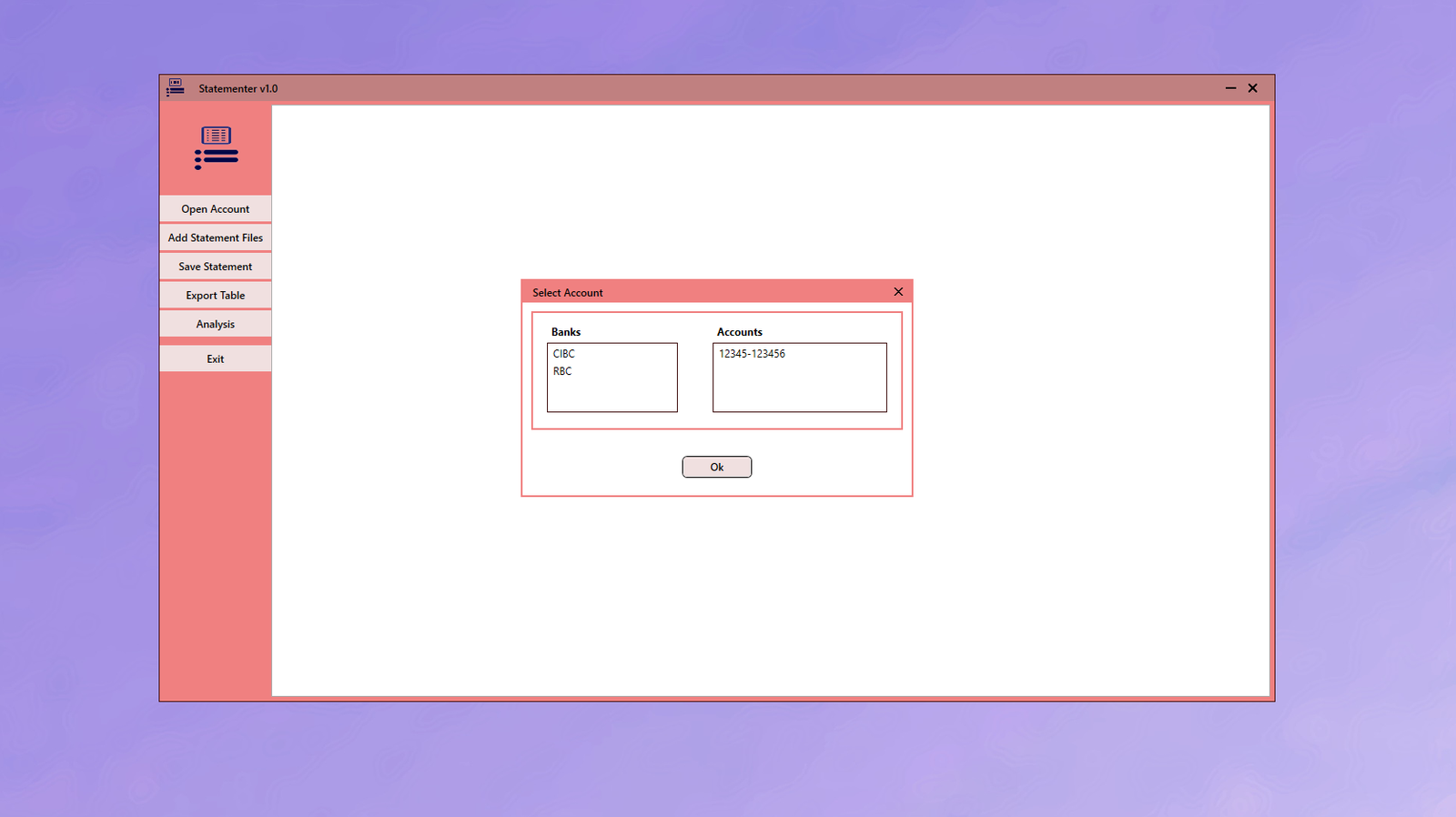
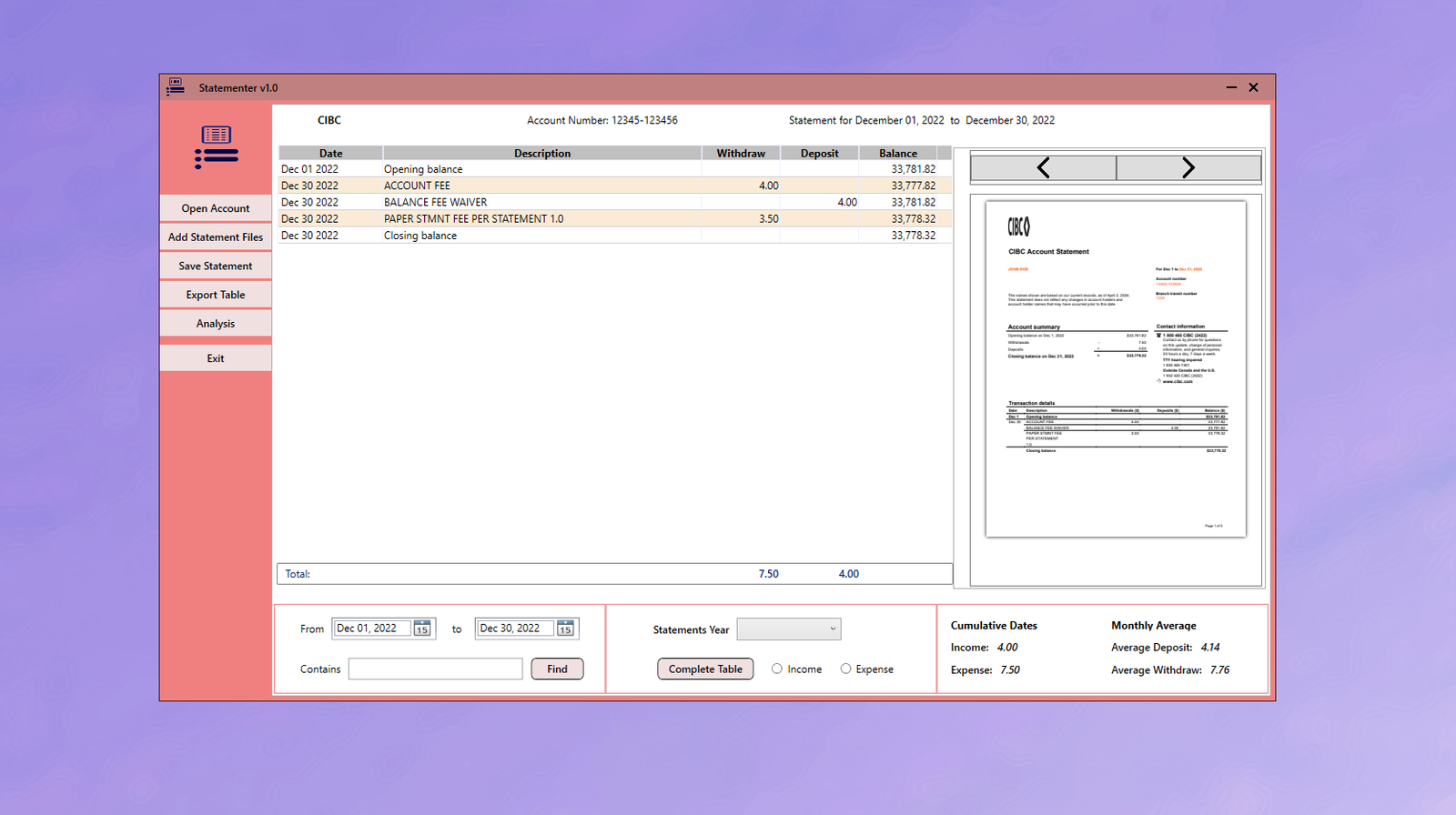
Each account number will be saved in your local system
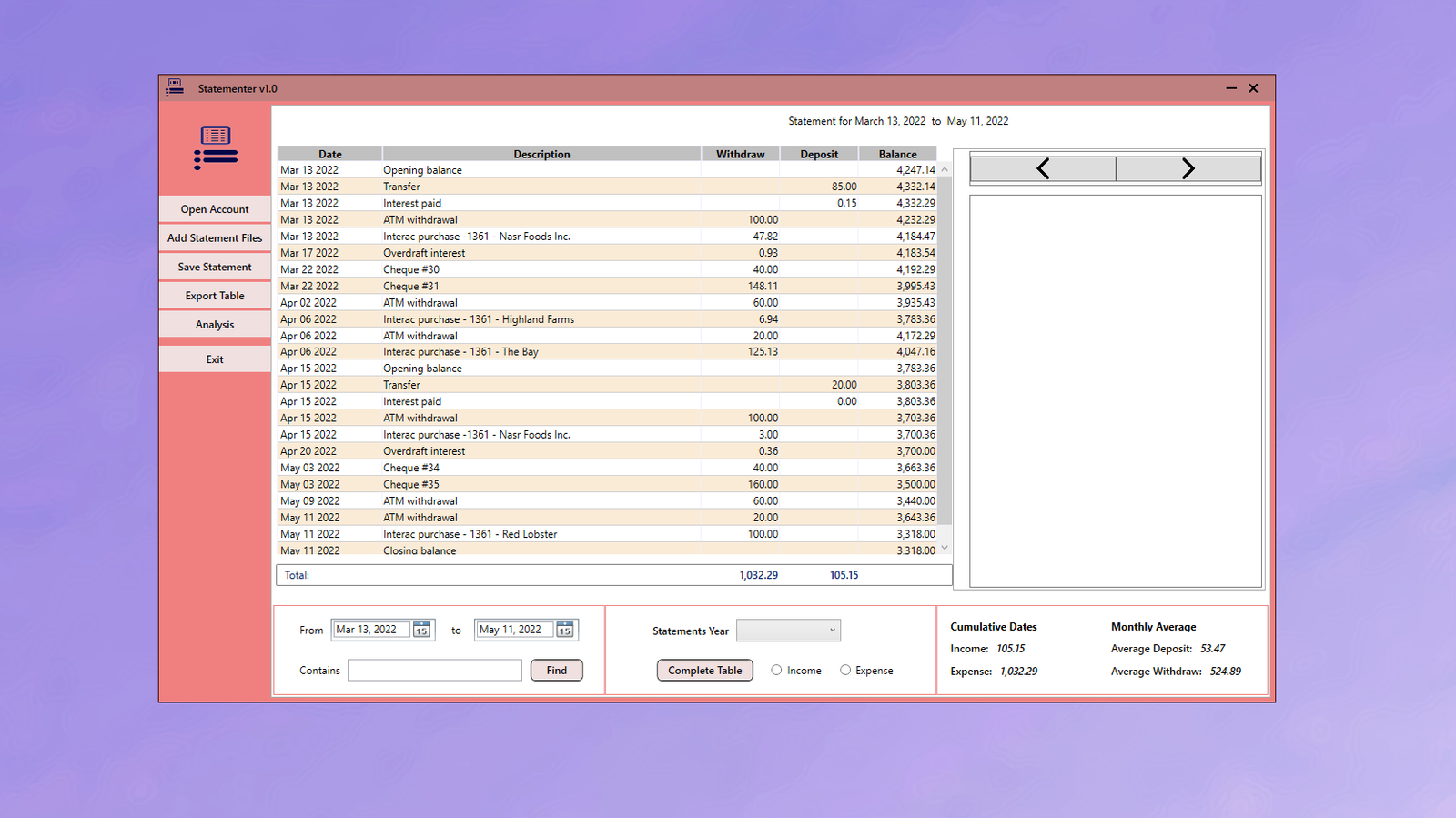
Search any phrases in Statement even with typos or misspellings
Limit Statements data by specified date range
Monthly or yearly analysis of Statements
Export refined or complete Statements to CVS format